How to Download the Planbet App
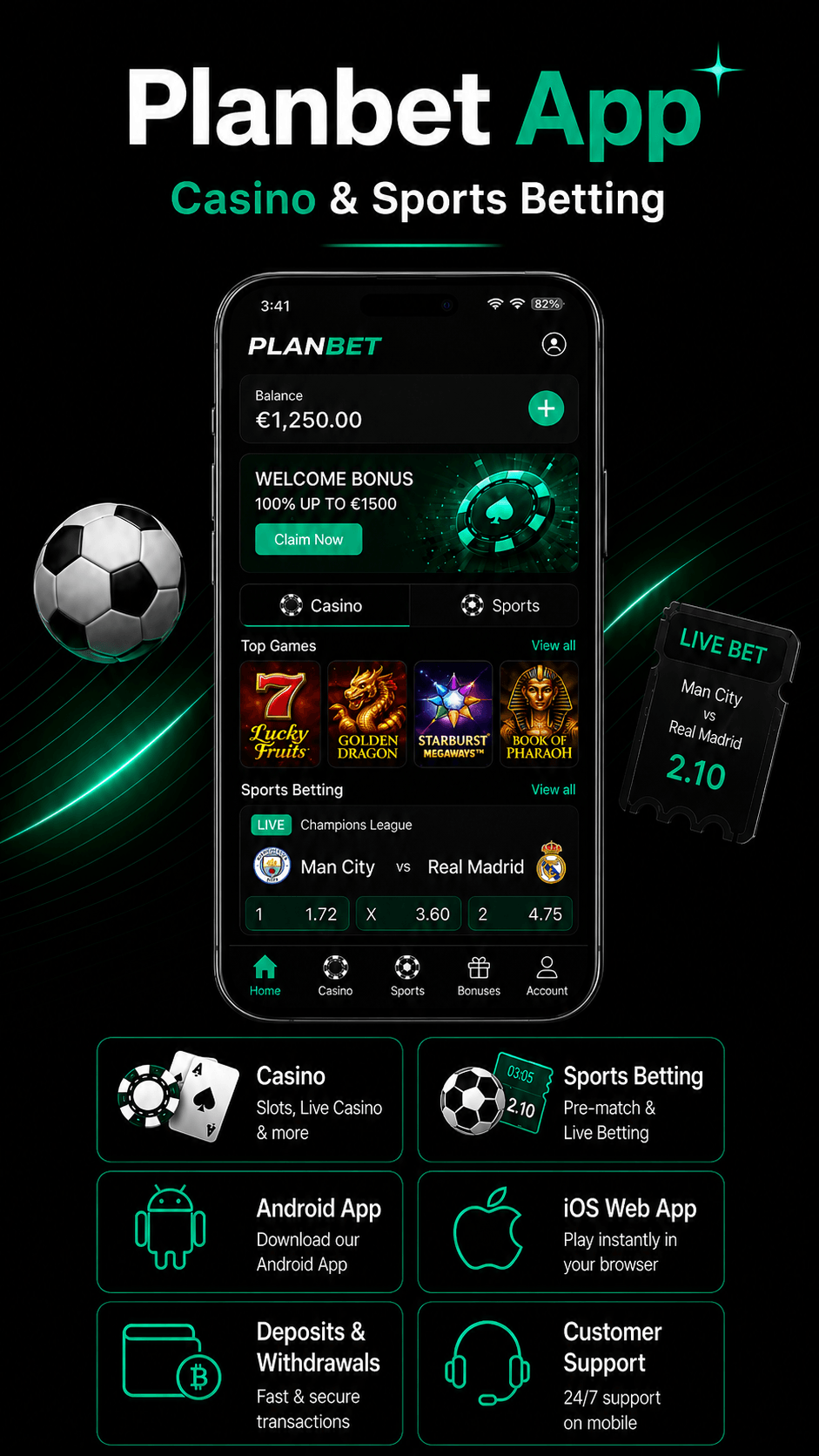
The Planbet app gives users access to the main features of the desktop platform from a mobile device. You can register, log in, place sports bets, play casino games, use bonuses, make deposits, request withdrawals and contact customer support directly from mobile.
Planbet is available as an Android app and as a web app for iOS. This means Android users can install the app, while iPhone and iPad users can access Planbet through their mobile browser and add it to their home screen for faster access.

Content
Planbet App Download: Quick Overview
| Device | Access Type | Download Required? | Main Option |
|---|---|---|---|
| Android | Native app | Yes | Download the Android app from the official Planbet source |
| iPhone | Web app | No native download required | Open Planbet in Safari or another mobile browser |
| iPad | Web app | No native download required | Use Planbet through the browser |
| Desktop | Website | No | Use Planbet through the desktop browser |
Always use the official Planbet website or official Planbet channels when accessing the app. Avoid third-party APK websites or unofficial download links.
How to Download the Planbet App on Android
Android users can install the Planbet app and use the platform directly from their device.
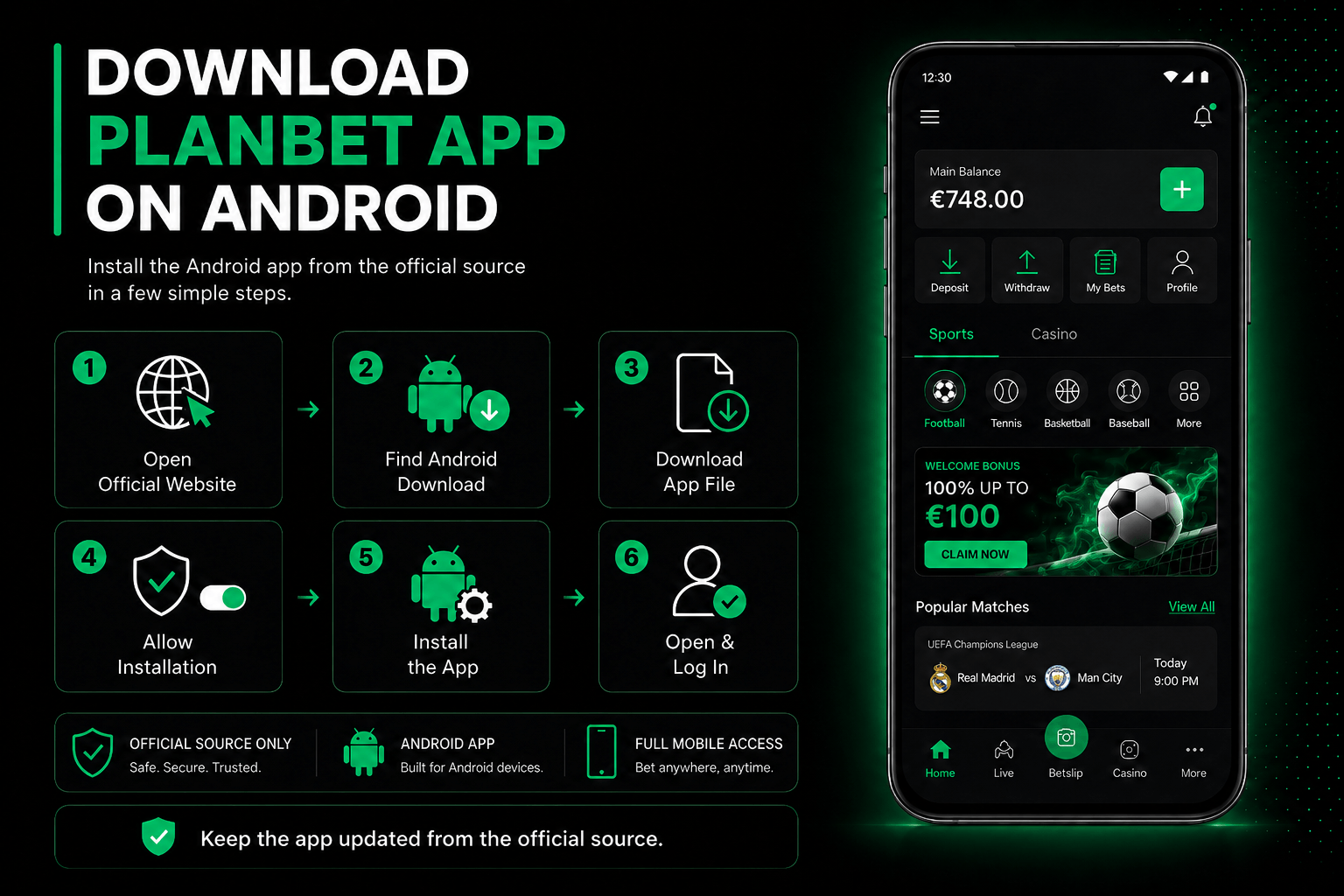
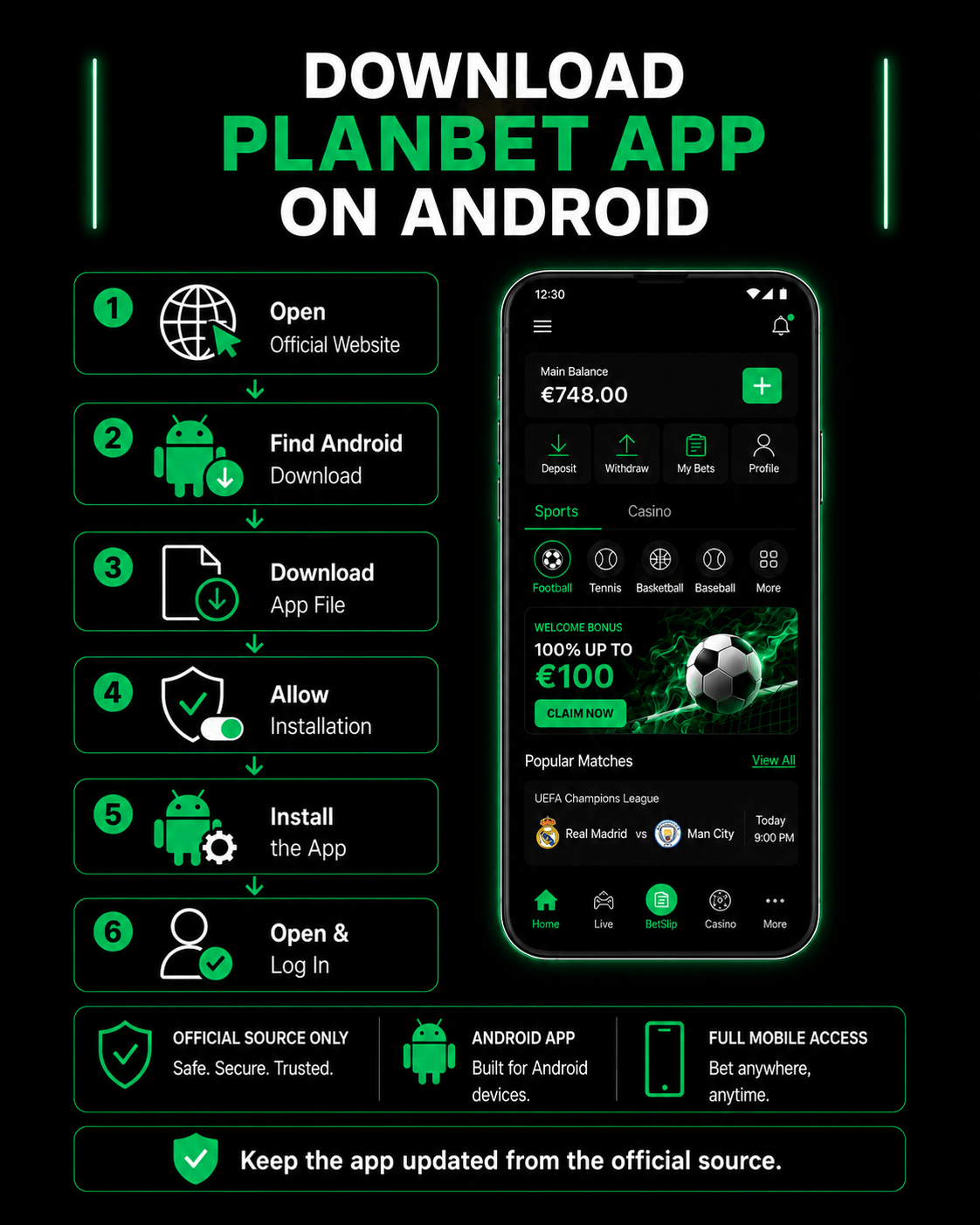
Step-by-step Android download guide
Open the official Planbet website
Use the browser on your Android device and go to the official Planbet website.
- Find the Android app download option
Look for the app download section, Android icon or mobile app area.
- Download the Android app file
Start the download from the official source only.
- Allow installation if required
Some Android devices may ask you to allow app installation from the browser. Only continue if you are downloading from the official Planbet source.
- Install the Planbet app
Open the downloaded file and follow the installation steps shown on your device.
- Open the app and log in
Once installed, open the Planbet app. You can log in with an existing account or create a new one.
- Keep the app updated
If Planbet releases a newer version, update the app from the official source to keep access stable and secure.
How to Use Planbet on iPhone or iPad
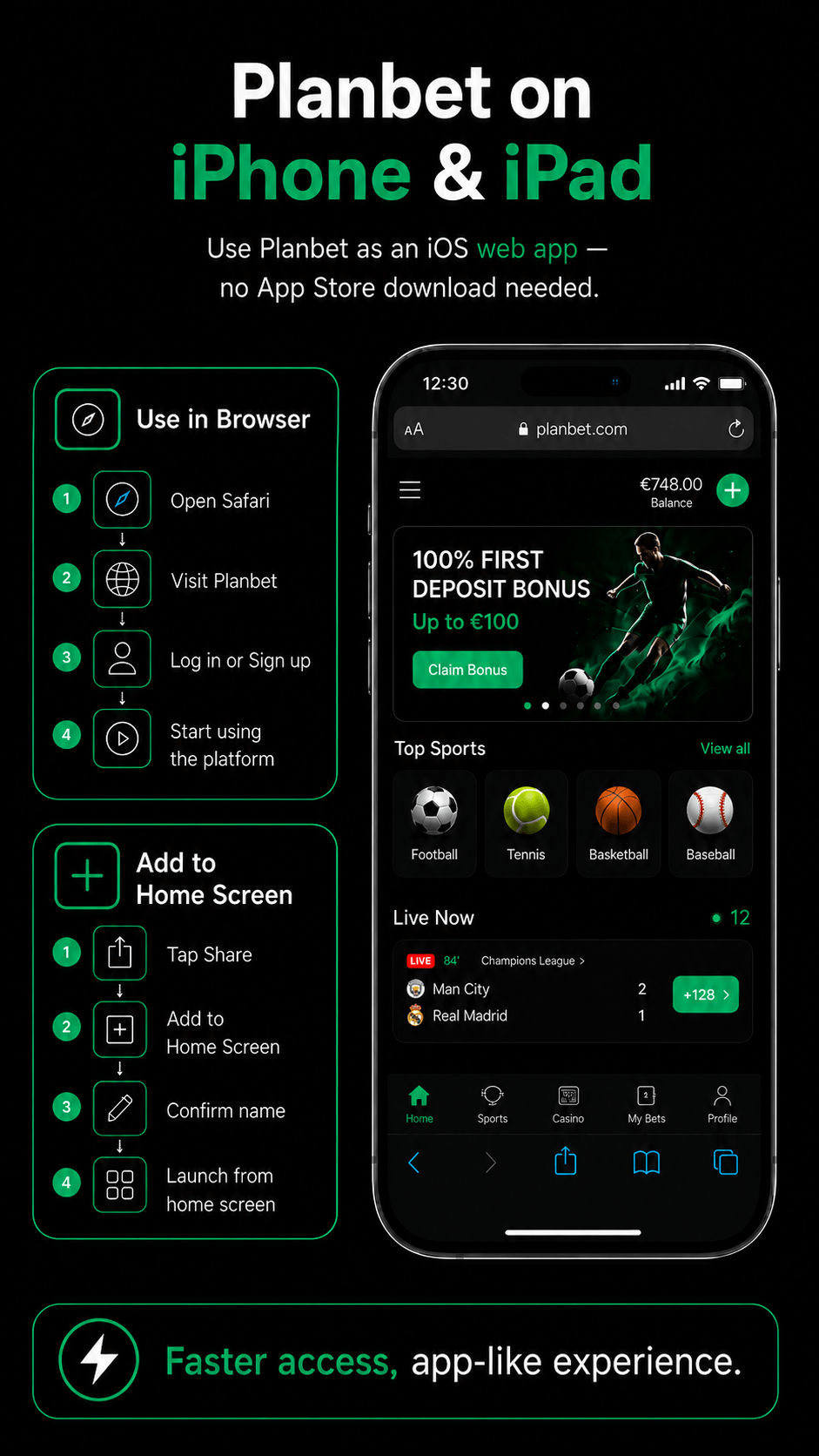
Planbet is available on iOS as a web app. This means you do not need to install a native app from the App Store to use Planbet on iPhone or iPad.
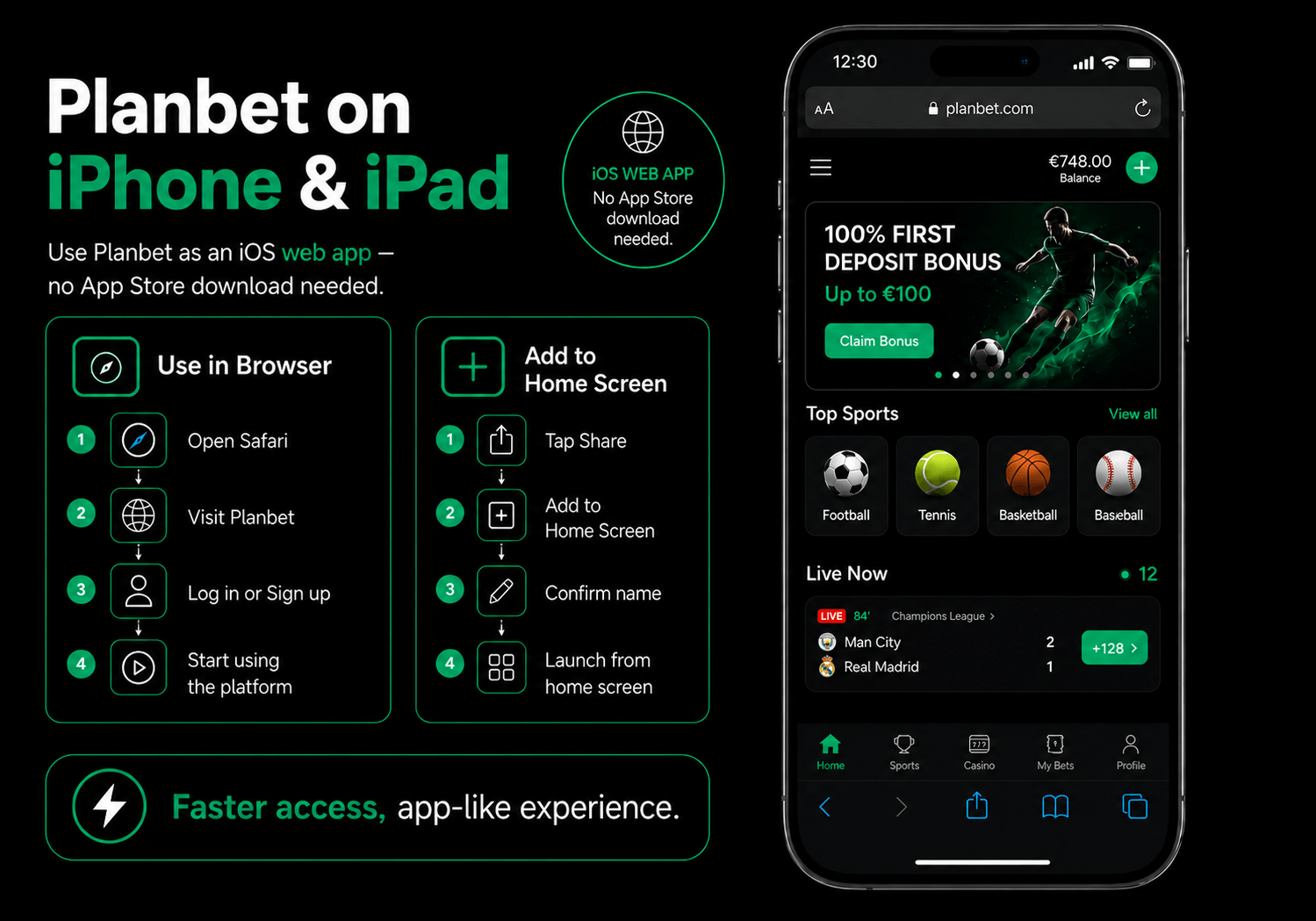
How to access the Planbet web app on iOS
- Open Safari or your preferred mobile browser.
- Visit the official Planbet website.
- Log in or create a new account.
- Use the platform directly from your browser.
How to add Planbet to your iPhone home screen
If you want quicker access, you can add the Planbet web app to your home screen:
- Open Planbet in Safari.
- Tap the share icon.
- Select Add to Home Screen.
- Confirm the shortcut name.
- Open Planbet from your home screen like a regular app.
This gives you faster access to Planbet without needing a native iOS download.

Get the Full Experience on Mobile
Register, claim bonuses, bet on sports, play casino games, deposit, withdraw and contact support.
Android App vs iOS Web App
| Feature | Android App | iOS Web App |
|---|---|---|
| Registration | Yes | Yes |
| Login | Yes | Yes |
| Sports betting | Yes | Yes |
| Live betting | Yes | Yes |
| Casino games | Yes | Yes |
| Bonuses | Yes | Yes |
| Deposits | Yes | Yes |
| Withdrawals | Yes | Yes |
| Customer support | Yes | Yes |
| Installation required | Yes | No |
| Home screen access | Yes | Yes, via browser shortcut |
Both Android and iOS users can access the main Planbet features on mobile. The main difference is how the platform is accessed: Android users can install the app, while iOS users use the web app through the browser.
Before You Download the Planbet App
Before installing or using Planbet on mobile, it is worth checking a few important points.
| Check | Why It Matters |
|---|---|
| Use the official source | Helps avoid fake or unsafe APK files |
| Check your account eligibility | Some features may depend on account status |
| Read bonus terms | Bonus rules can affect withdrawals |
| Confirm payment options | Available methods may vary by user or region |
| Complete verification if requested | KYC may be required for account security |
| Keep the app updated | Updates can improve access, stability and security |
Is the Planbet App Safe to Download?
The safest way to download the Planbet app is to use the official Planbet website or official Planbet channels. Avoid downloading APK files from third-party websites, forums or file-sharing platforms.
To protect your account:
- use a strong password;
- keep your login details private;
- update the app when required;
- complete account verification if requested;
- avoid unofficial download links;
- contact customer support if something looks suspicious.
Can You Use Bonuses in the Planbet App?
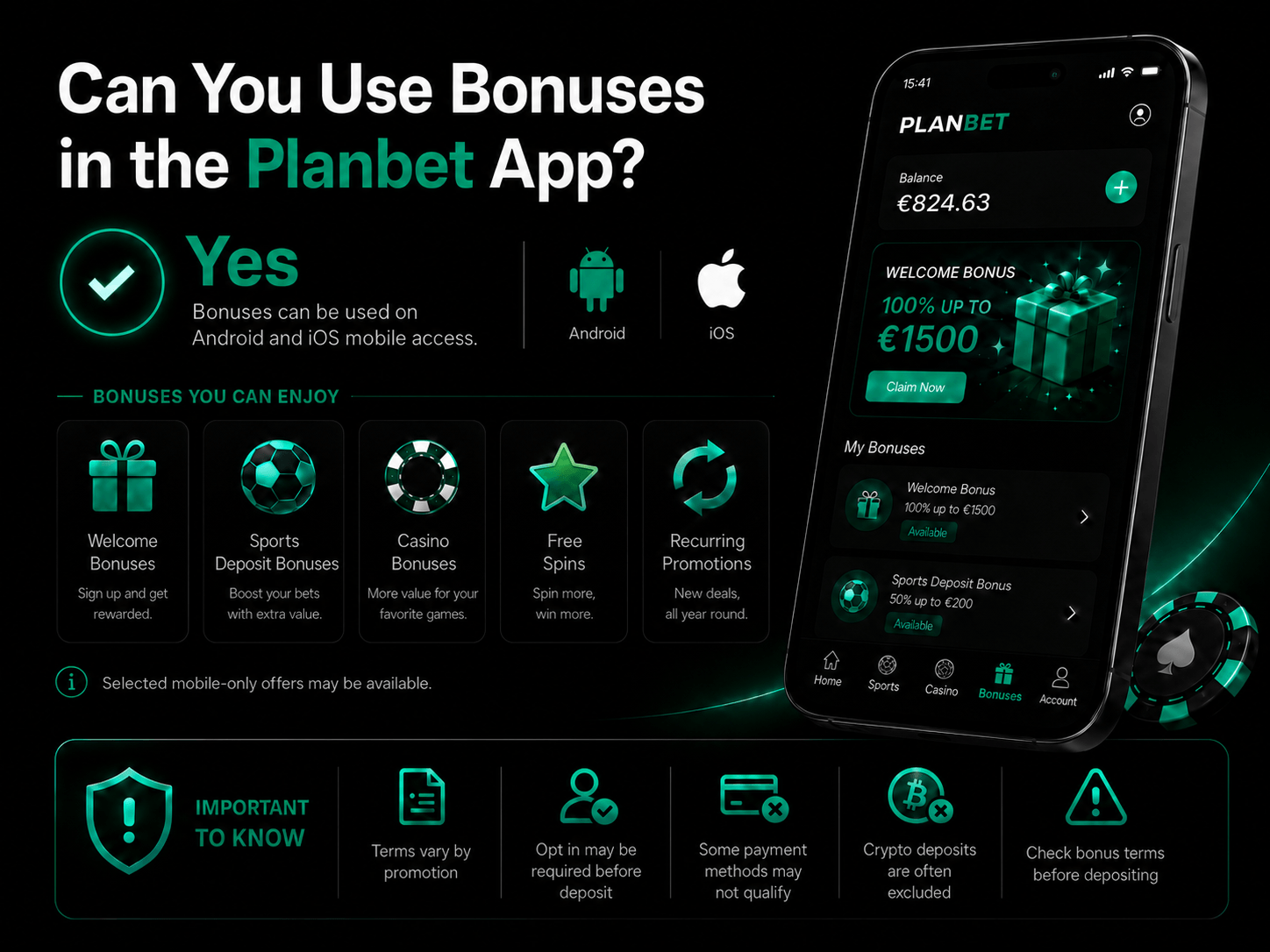
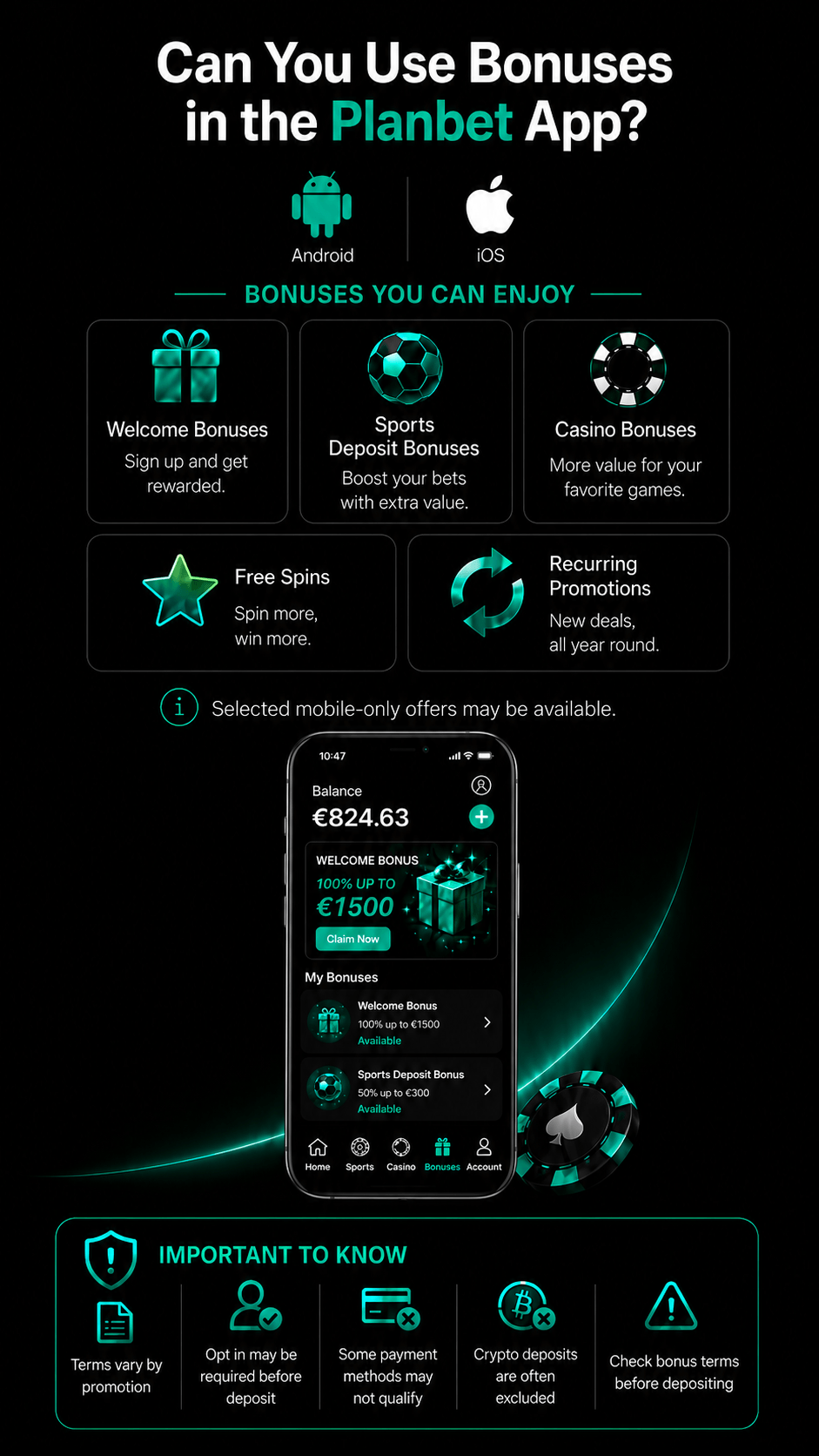
Planbet bonuses can be used through the mobile platform, including the Android app and iOS web app.
Users may be able to access:
- welcome bonuses;
- sports deposit bonuses;
- casino bonuses;
- free spins;
- recurring promotions;
- selected mobile-accessible offers.
Bonus terms vary by promotion. Some offers require users to opt in before depositing, and some payment methods may not qualify for bonuses. Crypto deposits are commonly excluded from bonus eligibility, so users should always check the terms before making a deposit.
Can You Deposit and Withdraw in the Planbet App?
Users can deposit and request withdrawals through the Planbet mobile platform.
The available payment methods may vary, but the app can support payment categories such as:
- crypto payments;
- card payments.
Before making a deposit, check whether the payment method is eligible for bonuses. Before requesting a withdrawal, check whether you have any active bonus requirements, pending bets or verification requests.
What If the Planbet App Does Not Download or Install?
If the Android app does not download or install, try the following:
- Make sure you are using the official Planbet source.
- Check your internet connection.
- Confirm that your device allows installation from the browser.
- Delete any incomplete download and try again.
- Restart your device.
- Check whether a newer app file is available.
- Use the mobile website as an alternative.
- Contact customer support if the issue continues.
Do not use unofficial APK files as a workaround.
What If You Use iOS and Cannot Find the App Store Version?
Planbet is available for iOS as a web app. If you cannot find a native iOS app, open the official Planbet website in your mobile browser and use it from there.
You can also add Planbet to your home screen for quicker access. This creates a shortcut that works similarly to an app icon.
Planbet Mobile Download FAQ
How do I download the Planbet app on Android?
Open the Planbet website on your Android device, find the Android app download option, download the app file and follow the installation steps shown on your phone.
Is there a Planbet app for iPhone?
Planbet is available on iPhone as a web app. You can open Planbet in your mobile browser and add it to your home screen for quicker access.
Can I register through the Planbet app?
Yes. You can create a new account directly through the Android app or the iOS web app.
Can I deposit and withdraw in the Planbet app?
Yes. The Planbet app allows users to make deposits and request withdrawals. Available payment methods may include crypto and cards, depending on the account.
Is it safe to download the Planbet app?
Yes, as long as you download it only from the official Planbet source. Avoid third-party APK websites or unofficial download links.